Which printer is worth it?
A cheap printer with expensive supplies is a bad deal for everyone. What matters is how much you print, what and how often. Read the short overview, or go straight to four questions.
Choose a printer →The price per page matters, not the price of the printer
Over a few years you pay more for supplies than for the printer itself. Before you choose, check what its supplies cost and how many pages they last. Our supplies finder shows the price of one page for every printer, for originals and compatibles alike.
Laser printer: for text and irregular printing
Toner does not dry out, so a laser waits weeks without printing and then prints at once. A page of text is cheap and printing is fast. A mono laser is the best choice for documents, invoices and school work. A colour laser suits an office with colour documents, but not photos.
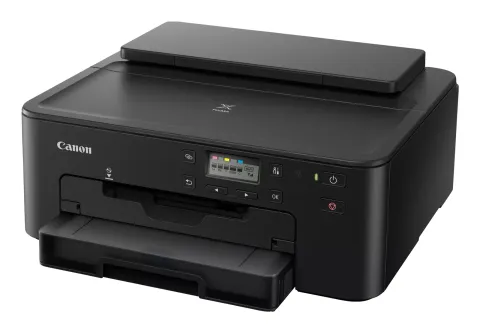
Inkjet printer: photos and occasional colour printing
Inkjets are cheap to buy and print photos better than a laser. Their cartridges tend to be expensive per page, though, and ink can dry in the print head during a long pause. They suit people who print little but regularly.
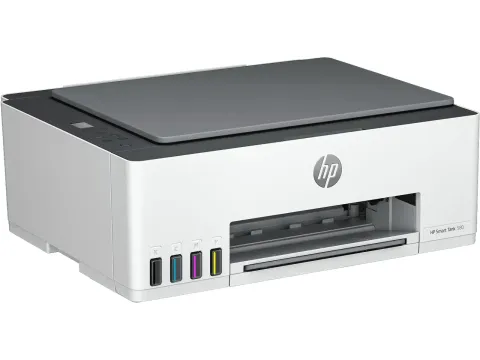
Ink tank printer: lots of colour printing, cheaply
Printers such as Epson EcoTank, Canon PIXMA G, HP Smart Tank or Brother DCP-T are filled from bottles. They cost more to buy, but a page costs a fraction of a cartridge page and a bottle lasts thousands of pages. For families and small offices that print a lot in colour, they are usually the cheapest option.
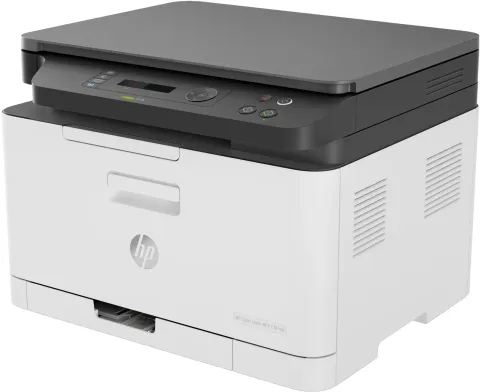
Multifunction: when you need to scan and copy
A multifunction printer also scans and copies. The scanner usually adds little to the price, so if you need it even occasionally, it pays off. For an office, look for an automatic document feeder (ADF) and duplex printing.
What to check before you buy
- Supply price and yield, ideally as cost per page.
- Are there compatible supplies? They can save you up to half.
- Wi-Fi and printing from a phone if several devices print.
- Duplex printing saves paper, an automatic feeder saves time.