
― Category
Internal SSDs
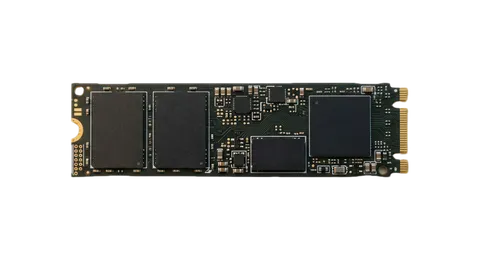
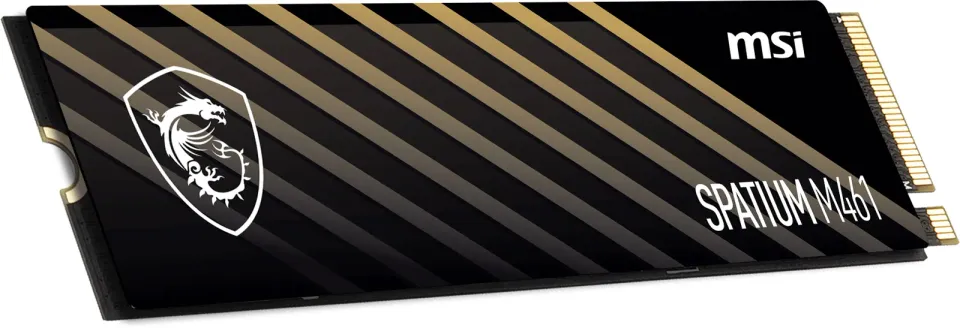
Internal NVMe M.2 SSDs for PCIe 3.0, 4.0 and 5.0 at up to 14,000 MB/s and 2.5" SATA drives for older PCs. 250 GB to 8 TB from Samsung, WD, Kingston, Crucial and Seagate. The configurator checks for a free M.2 slot on your board.
Products in this category
1 product
Frequently asked questions
- NVMe or SATA SSD?
- An NVMe drive in an M.2 slot is several times faster than SATA and is the standard system drive today. A SATA SSD suits a board or laptop without an M.2 slot, or as a cheap second drive. Our guide SSD or HDD explains the differences in detail.
- What do PCIe 3.0, 4.0 and 5.0 mean for a drive?
- It is the interface generation and so the maximum speed: roughly 3.5 GB/s for PCIe 3.0, 7 GB/s for 4.0 and over 12 GB/s for 5.0. A newer-generation drive works in an older slot, at the slot's speed. For everyday work and gaming the difference between 3.0 and 4.0 is small in practice.
- Which SSD capacity should I choose?
- 500 GB is enough for the system and office work, we recommend 1 TB for gaming because one large game takes over 100 GB, and 2 TB for video and photos. Keep at least 10 % of the drive free, a full SSD slows down.
- What is TBW and how long does an SSD last?
- TBW (terabytes written) is the amount of data the maker guarantees can be written during the warranty, 600 TBW and more for common 1 TB drives. A home user writes a few TB a year, so the drive's life usually exceeds the warranty period. We list the figure in the specifications where the maker publishes it.