
― Category
NAS storage
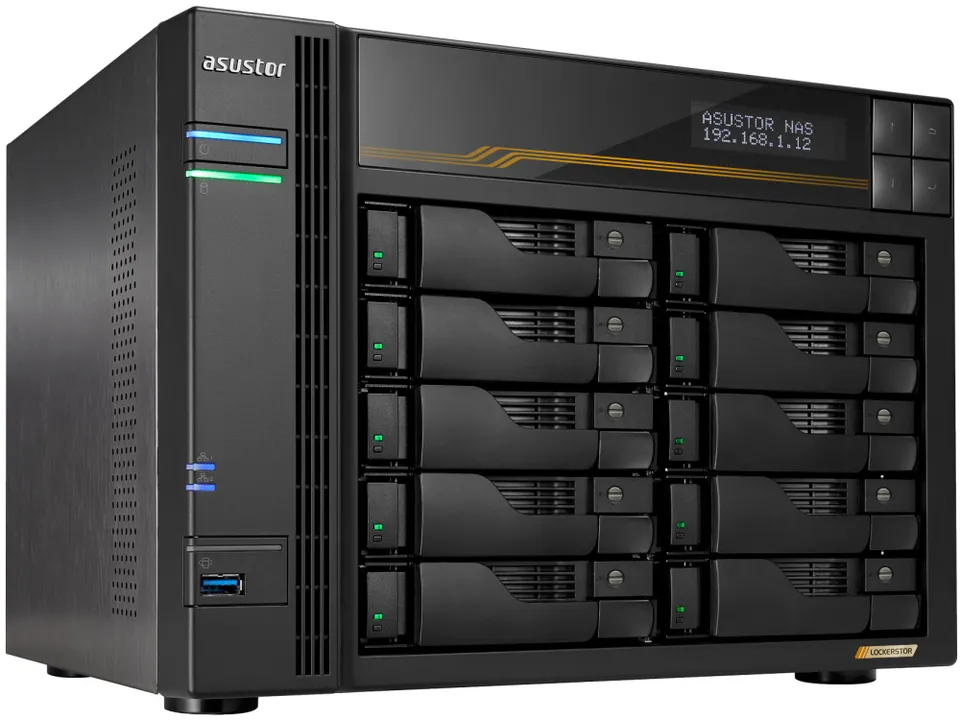
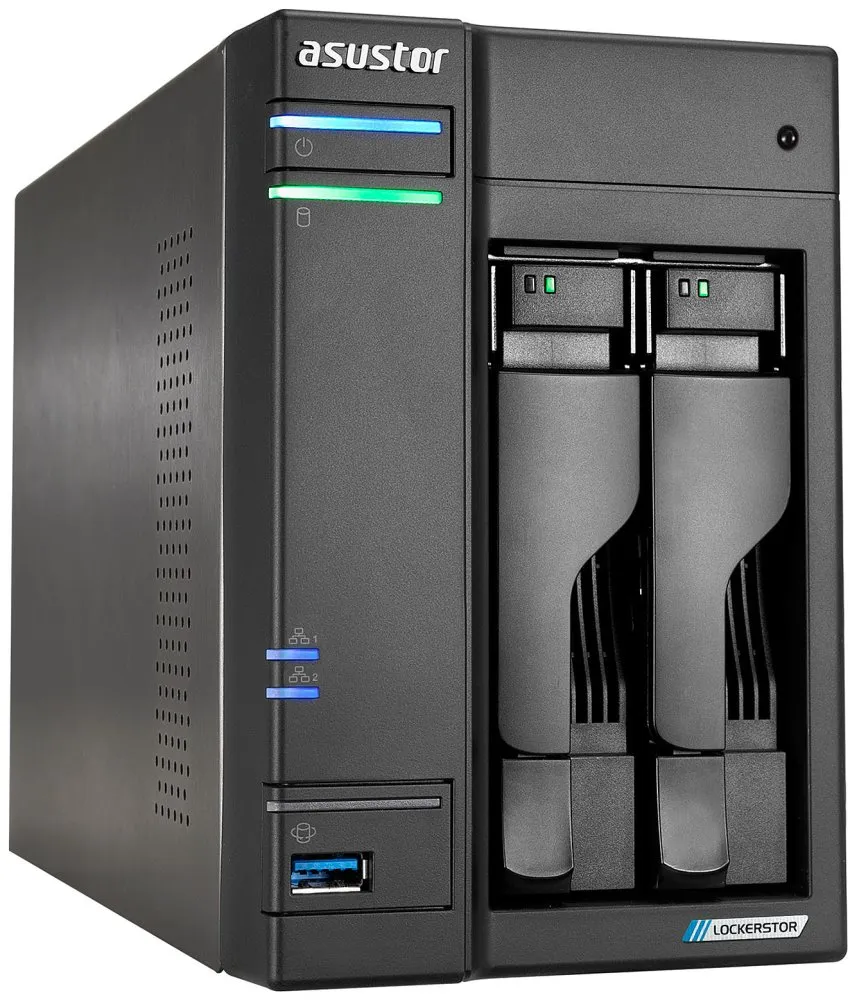
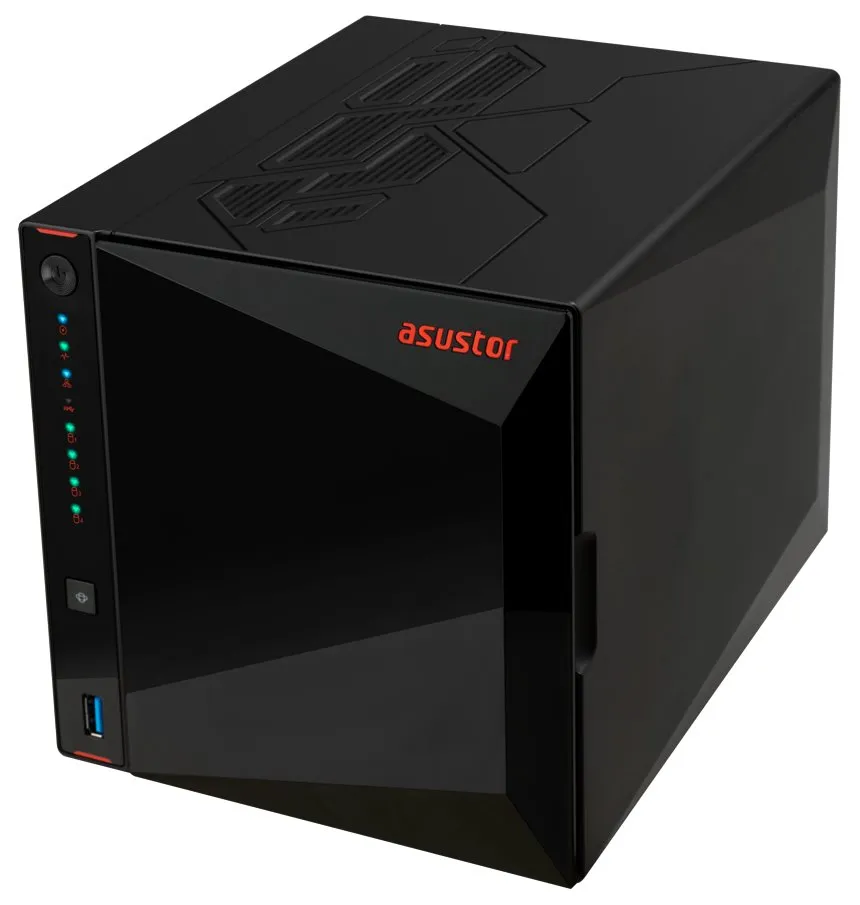
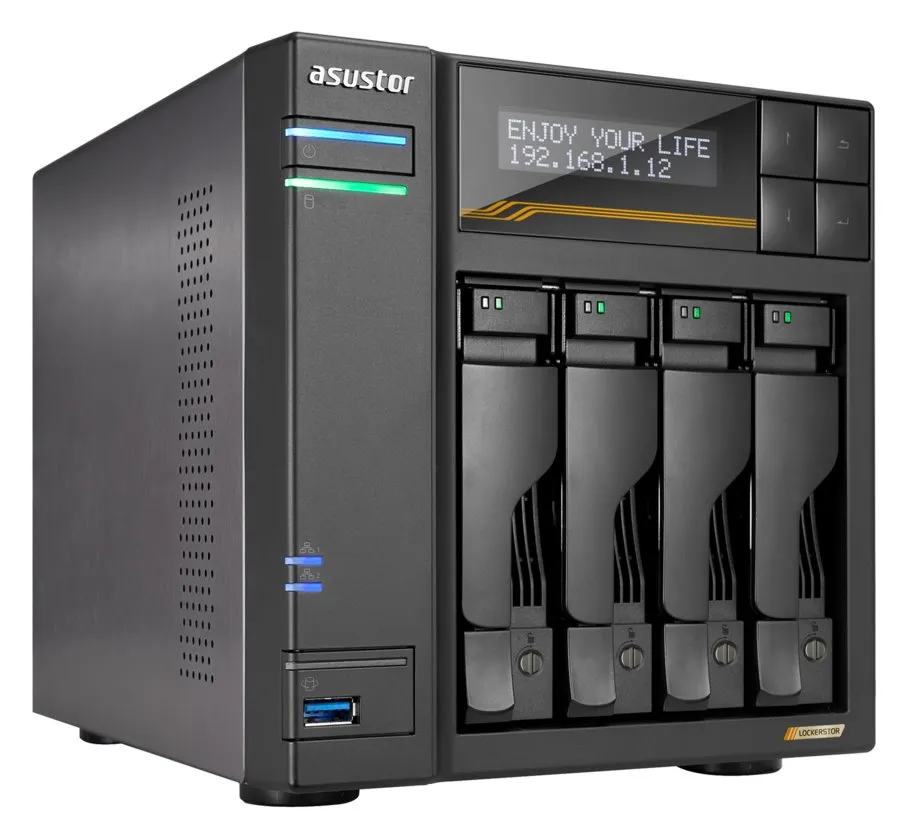
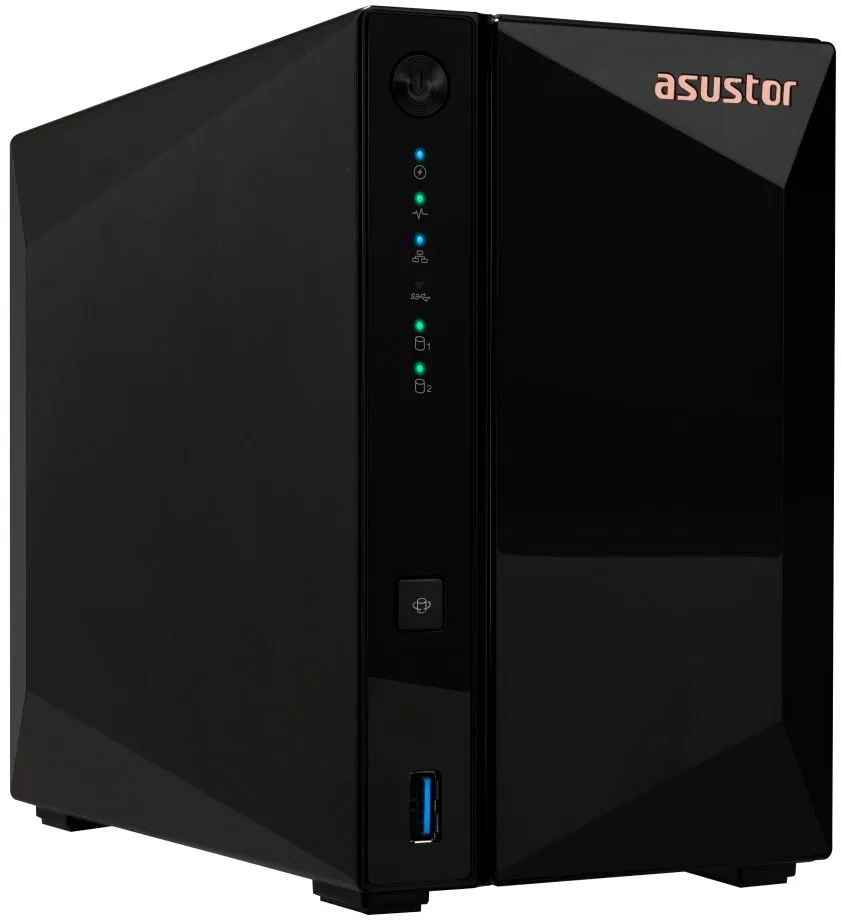
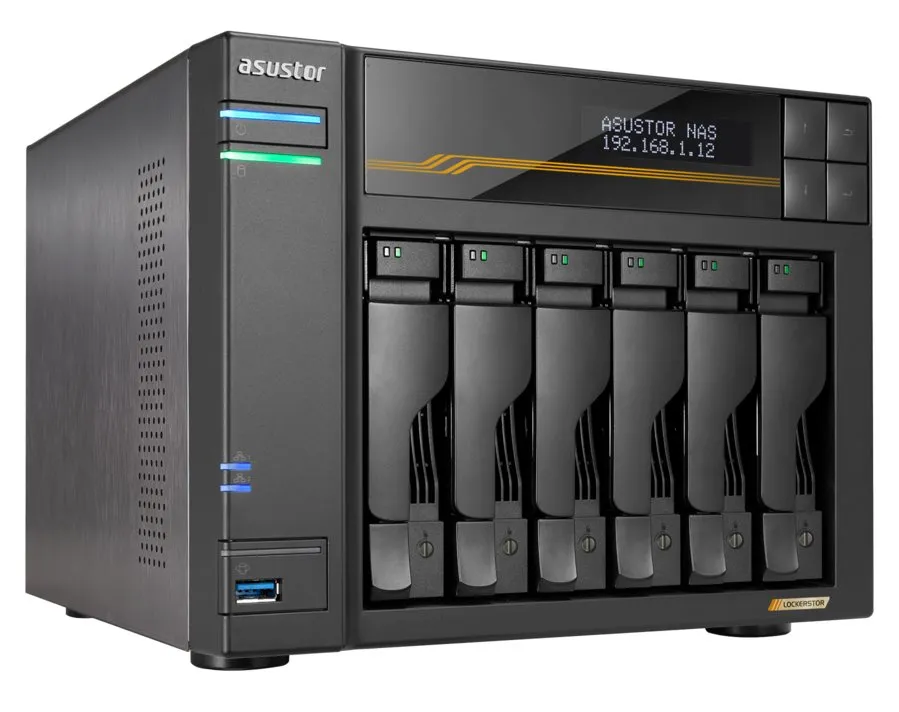
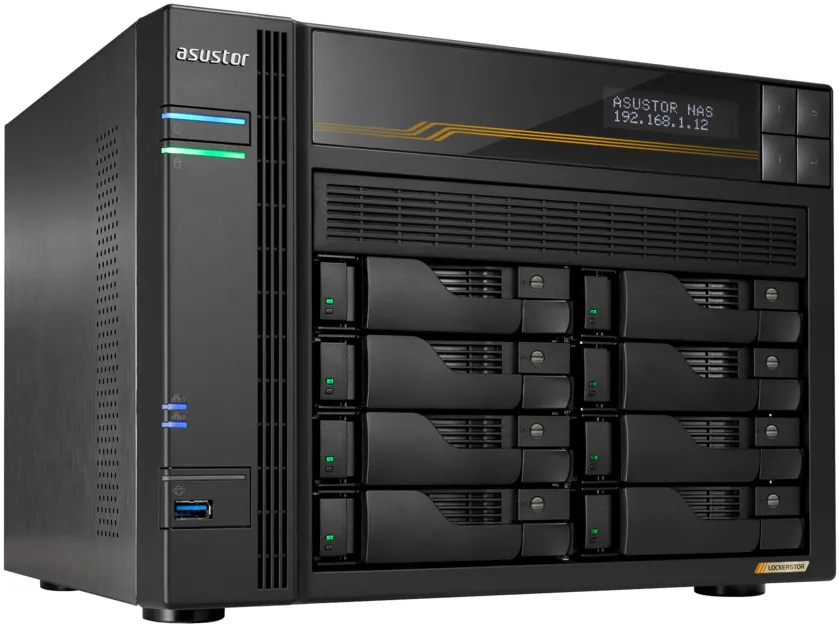
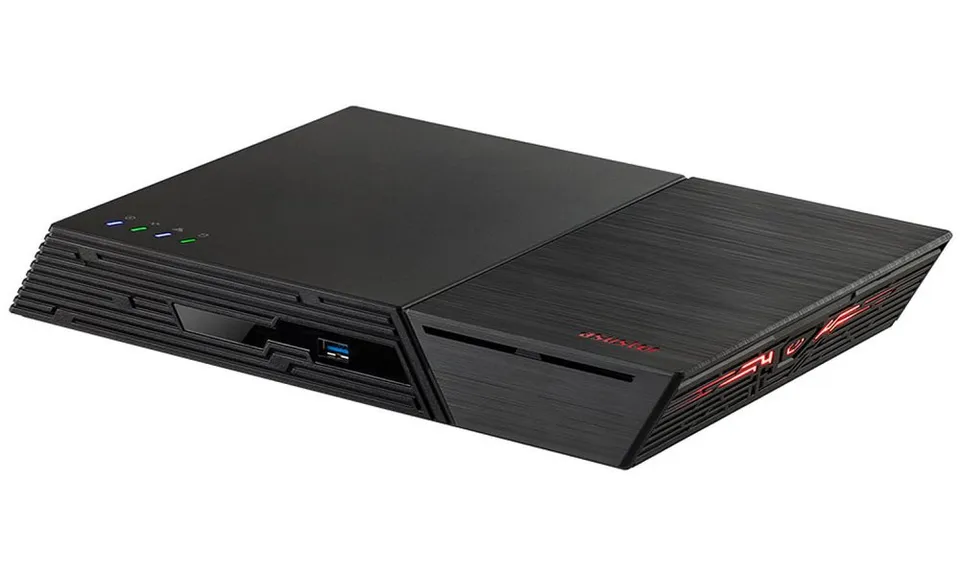
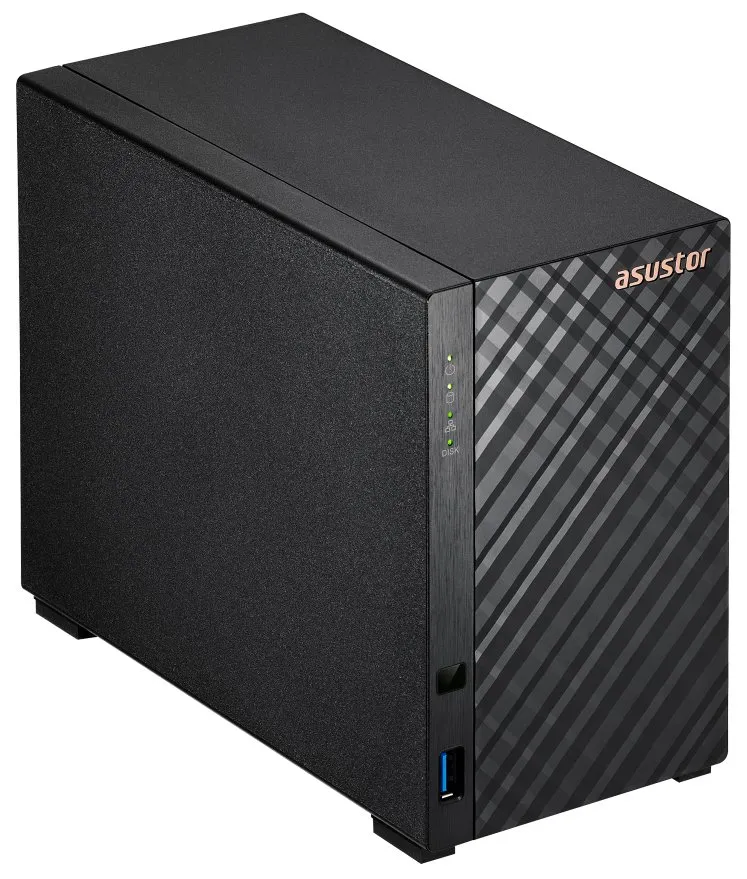
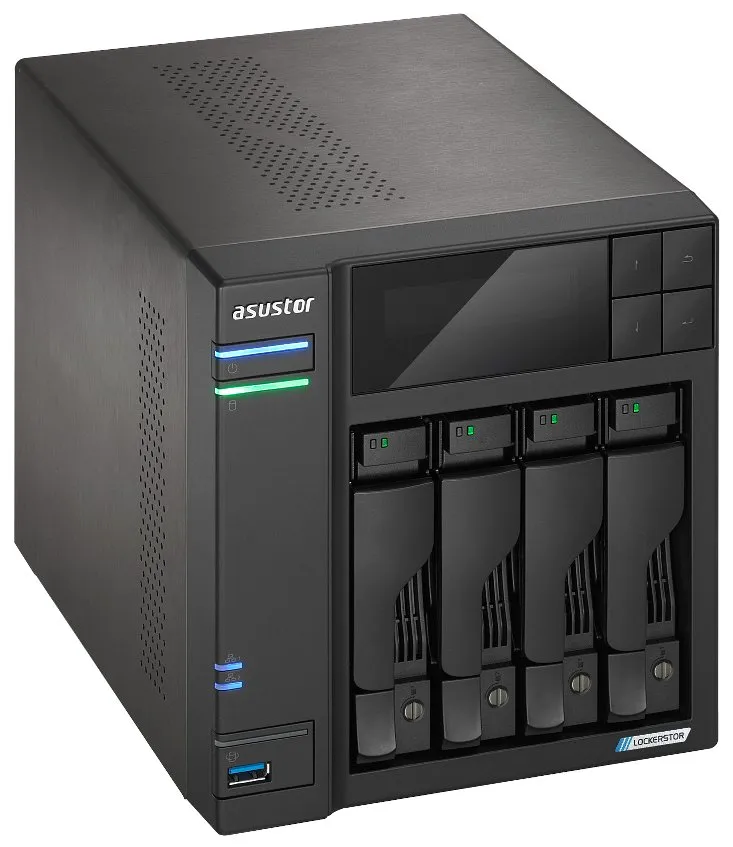
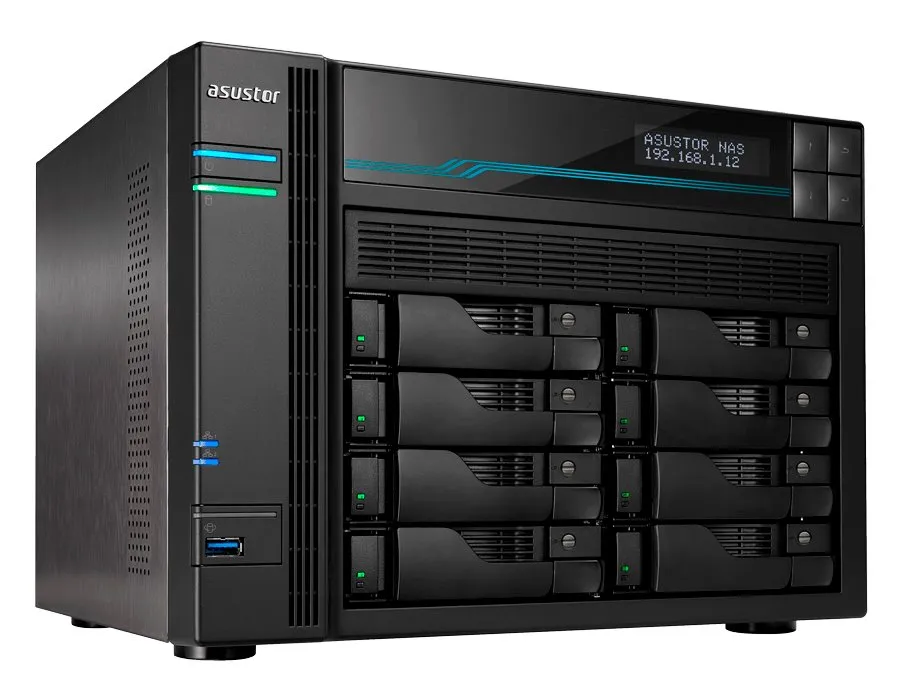
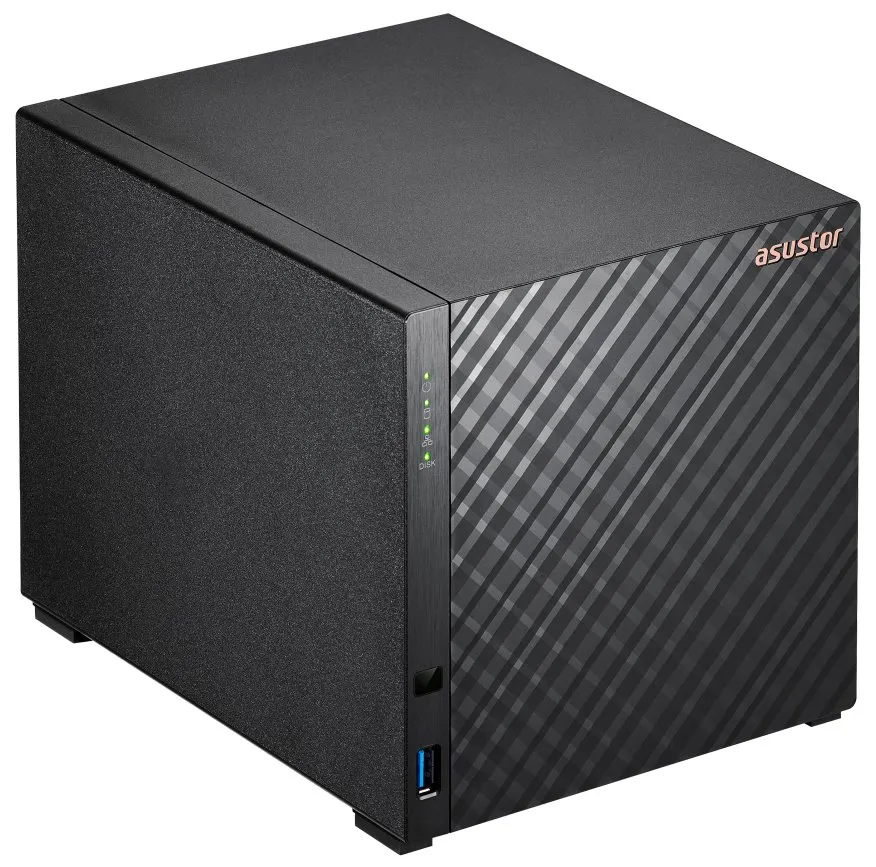
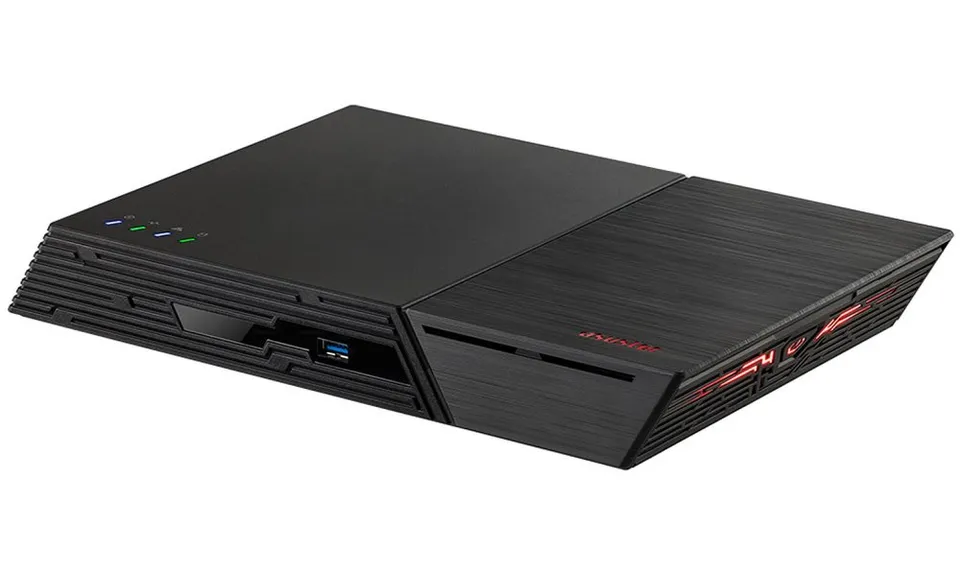
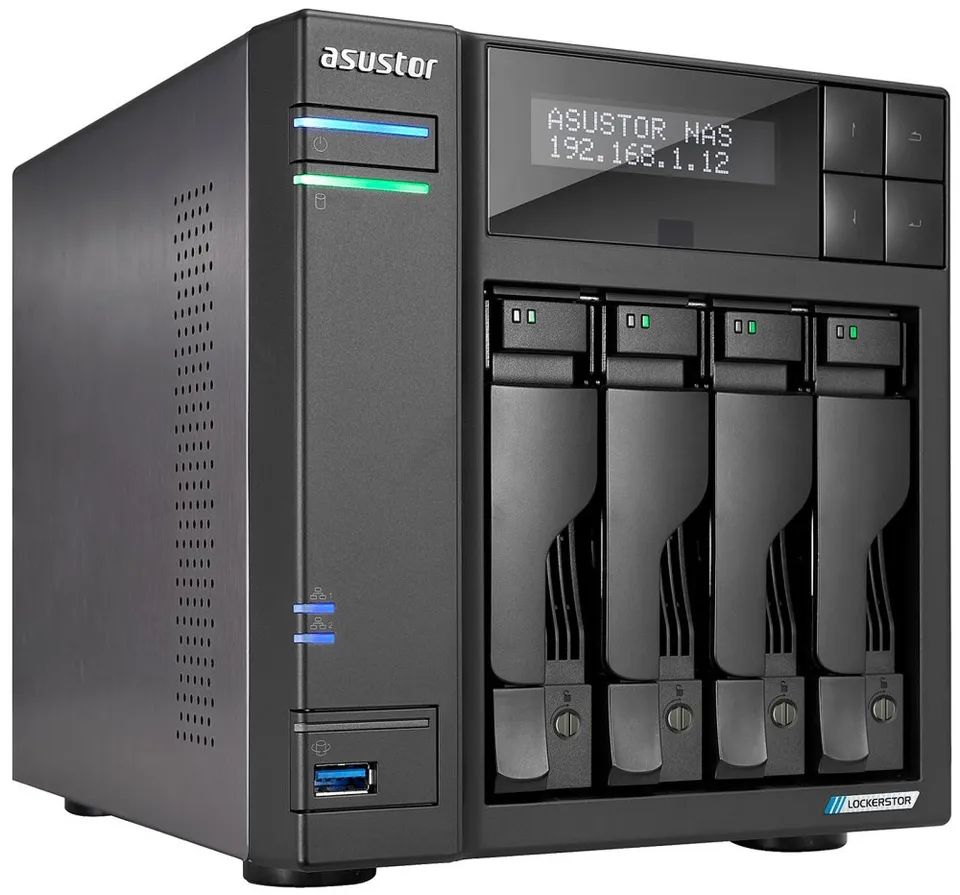
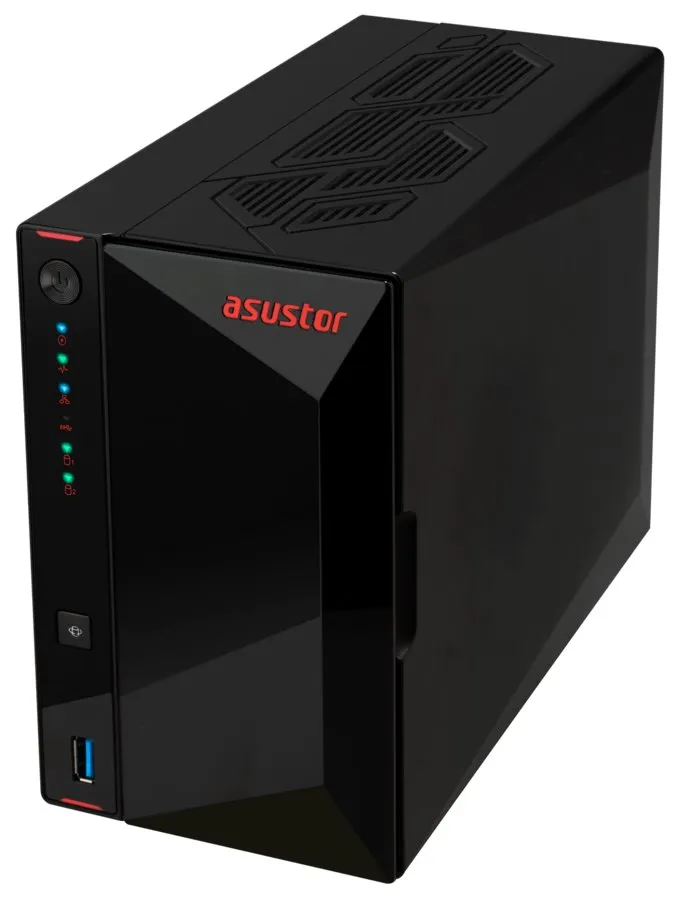
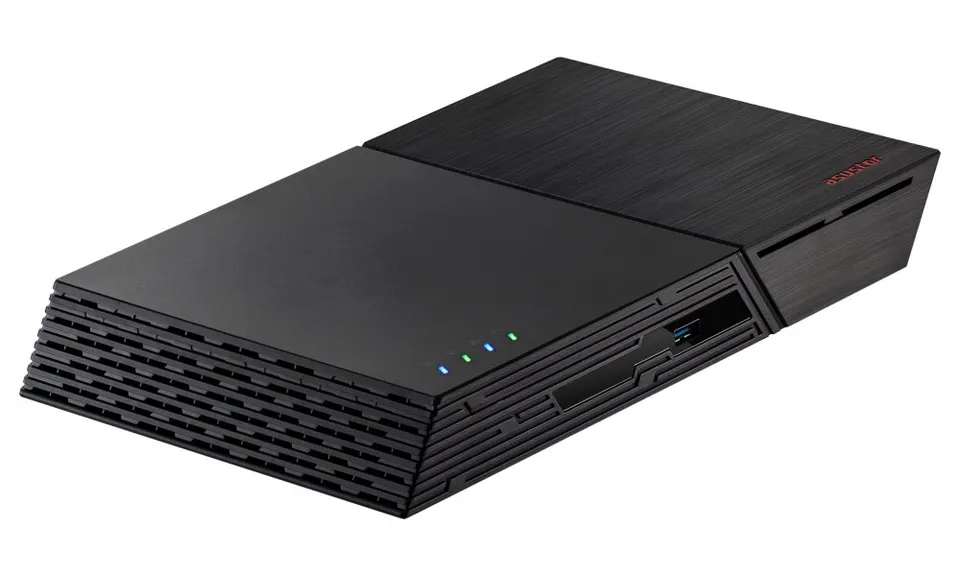
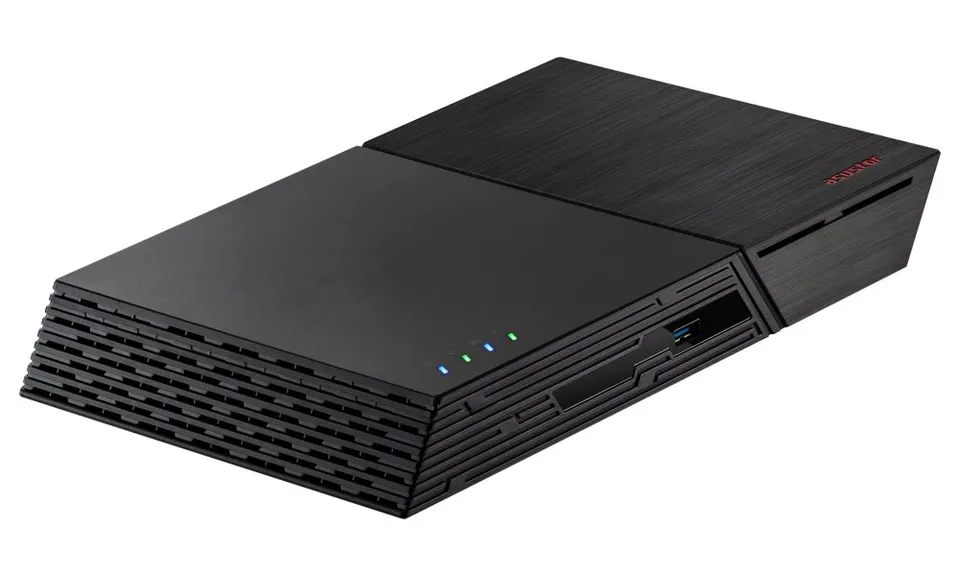
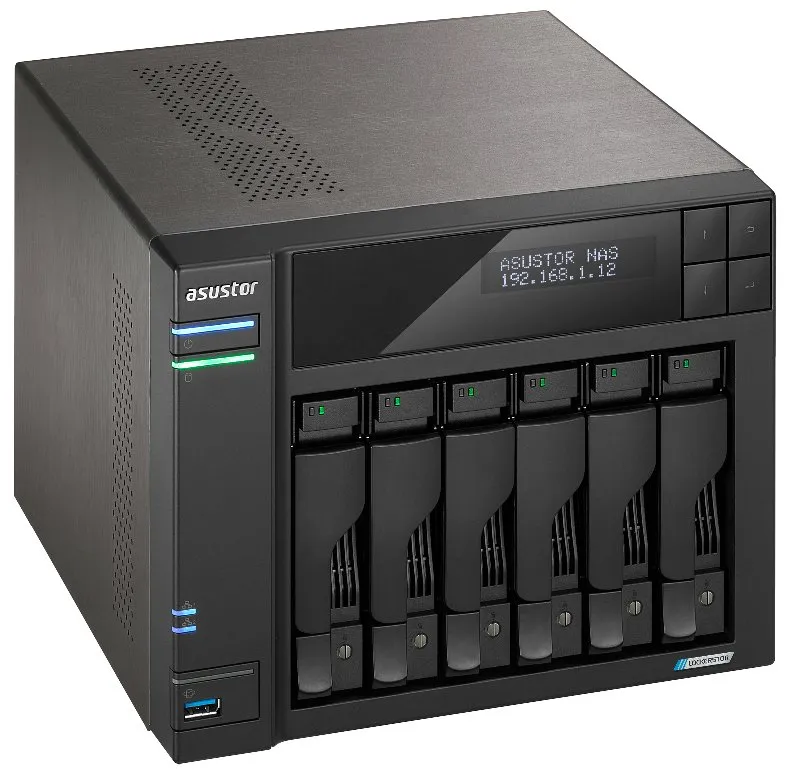
Network attached storage for home and business: desktop and rack units, from two bays to dozens. Choose by drive bays, processor, memory and network speed (1, 2.5 or 10 GbE); Synology, QNAP, ASUSTOR and Ubiquiti are stocked.
Products in this category
18 products
Frequently asked questions
- How many drive bays should a NAS have?
- A home is fine with a two-bay NAS: two identical disks mirrored (RAID 1) protect the data if one fails. For a business or a larger archive choose four or more bays, where RAID 5 or 6 gives capacity and protection at once. A NAS is sold without disks; pick NAS-series drives in the Hard drives section.
- Which drives belong in a NAS?
- Drives made for NAS are designed for continuous operation and the vibration of several disks side by side; the series name says so. Desktop drives work in a NAS but have a shorter life and the manufacturer does not recommend them for 24/7. Use disks of the same capacity: RAID only uses the capacity of the smallest one.
- Is RAID the same as a backup?
- No. RAID protects against a drive failure, not against deletion, ransomware, a power surge or fire. Back up the NAS to an external drive or the cloud as well, ideally automatically on a schedule the NAS can run. For safety connect the NAS through a UPS: a sudden power cut can damage the file system.
- What are the 2.5 GbE port and the M.2 slot on a NAS for?
- A 2.5 GbE port doubles the transfer speed from the NAS compared with ordinary gigabit, provided you have a 2.5 GbE switch and network card. The M.2 slot takes an SSD as a cache that speeds up work with many small files, or as a separate fast volume. For home backups and films you need neither.