
― Category
Keyboards
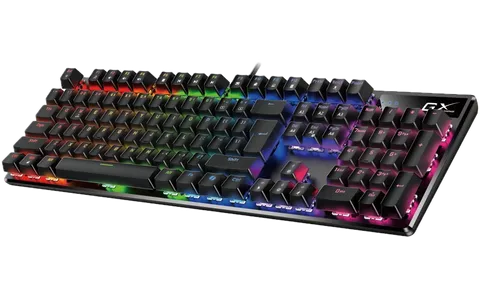
Mechanical keyboards with Cherry MX, Gateron and Razer switches, membrane office keyboards, wireless and compact 60 to 75 % layouts. Czech and US layouts, RGB backlighting and programmable macros.
Products in this category
No results
This category is empty for now. Please check back later.
Frequently asked questions
- Membrane or mechanical keyboard?
- A membrane keyboard is quiet, low and cheaper, enough for an office and everyday typing. A mechanical one has a separate switch under every key, lasts tens of millions of presses and types more precisely, but is usually louder. For a shared office choose a mechanical keyboard with silent switches, or a membrane one.
- Which keyboard layout should I choose?
- The Czech (CZ) layout has háček and acute letters on the top row and is the standard here; most of our range is CZ or CZ/SK. The English (US) layout is chosen by programmers, with accented letters typed via language switching. The layout is in the specifications and the name; check it before ordering, a keyboard with another layout cannot be switched.
- What do TKL, 75 % and 60 % mean?
- They describe the size: a full-size keyboard has a numeric pad, TKL (tenkeyless) drops it to save room for the mouse, 75 % and 65 % also squeeze the arrows and function keys together, and 60 % has no arrow keys at all. For accounting and number entry keep full size; for a small desk or gaming choose TKL or 75 %.
- What is the difference between a wired and a wireless keyboard?
- A wired keyboard needs no batteries and has no lag, which suits a fixed workstation. A wireless one over a USB receiver (2.4 GHz) or Bluetooth tidies the desk and pairs with a laptop or tablet; battery life is usually months, on backlit keyboards days to weeks. Keyboard and mouse sets share one receiver.